

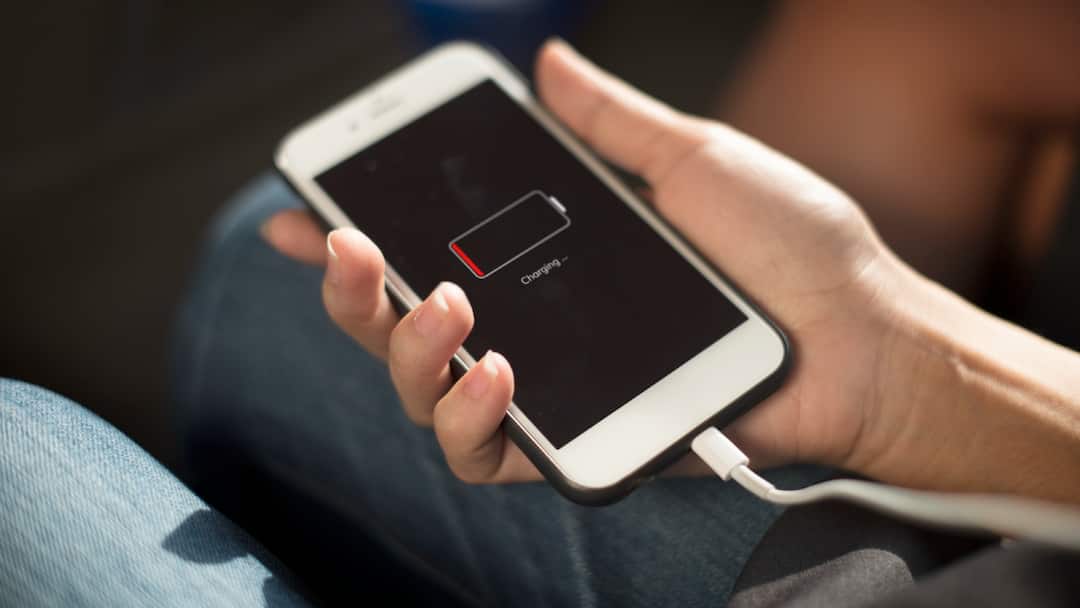
In the last few years, Android smartphones have become more powerful and capable. Now larger displays are available in them, which requires more power. The result was that companies started offering options like bigger battery packs and fast charging, but still the battery has to be charged again and again. If you are also facing such problem then some settings may be responsible behind it. By changing these you can make the battery last longer.
Change these settings to save battery
Restrict background activity- By default many apps in your phone remain active in the background. Even if you are not using them, they keep syncing data from the server. This puts a load on the phone’s battery and it starts discharging quickly. You can stop the background activity of some of these apps. For this, go to Settings and go to Battery option and tap on Restricted. Here you can stop background activity of non-essential apps.
Turn off always-on display- Features like always-on display and high refresh rate look good, but they have a huge impact on the battery. In always-on display, the screen never turns off completely, which reduces battery life. If you do not need, you can also switch to a lower refresh rate along with turning off the always-on display. This will make the battery last longer.
Stop location tracking- Location service requires the most power. Many apps demand location access even without the need. When you allow location access to an app, it tracks you through GPS, WiFi, Bluetooth and other sensors. Due to this, the battery also has to work more, due to which it gets discharged quickly. Therefore, you can turn off location tracking if it is not necessary.
Read this also-
S26 Ultra will be better in these respects compared to Galaxy S25 Ultra, upgrades will be available from design to camera.

