

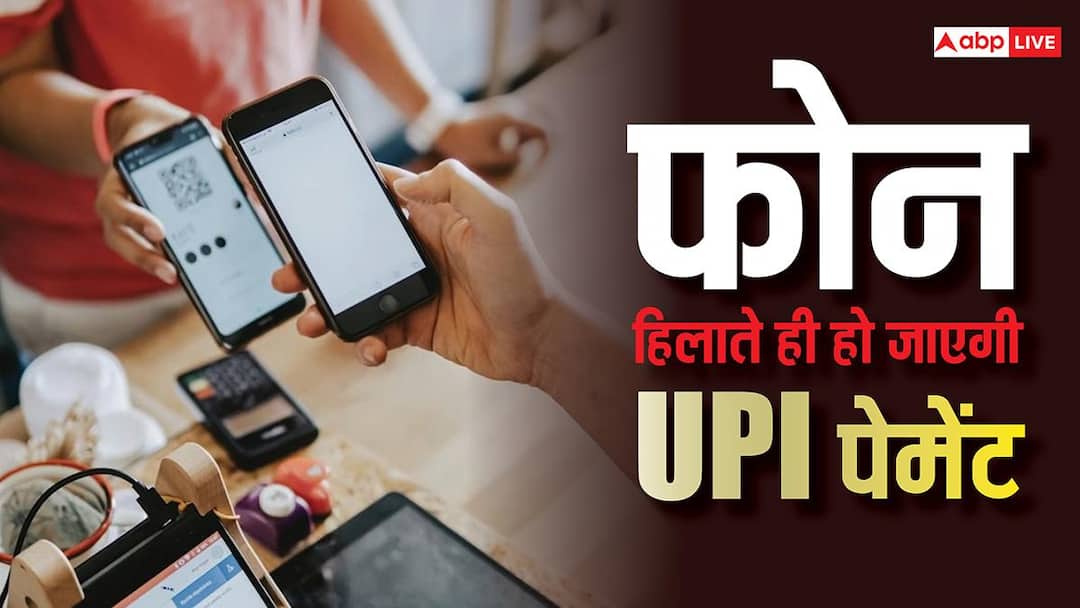
UPI Payment: After the introduction of UPI, making online payments has become very easy. Take out the phone from your pocket, scan the QR code and the payment is done. Many companies are making this easy process even easier. Now you can make UPI payment even by shaking the phone. For this, you will have to open the payment app and shake the phone. As soon as you shake the phone, the QR code scanner will open and you will be able to make payment in a jiffy. Let us know in which app this feature is available and how it can be activated.
PhonePe offers ‘Shake and Pay’ option
If you use PhonePe app for online transactions, then the option of ‘Shake and Pay’ is available in it. After activating this feature, you do not need to open the app and find the QR code scanner. Actually, nowadays there are many options available in payment apps, in such a situation it sometimes becomes difficult to find the QR code scanner. This takes time and you may also get delayed in making payment. To save you from this problem, PhonePe offers the option of ‘Shake and Pay’.
How does this feature work?
After enabling this feature, as soon as you open the PhonePe app and shake the phone, it will open the scanner. You will not need to manually search for the scanner in the app. Just by shaking the phone the scanner will open and appear in front of you.
How to enable the feature?
To enable the ‘Shake and Pay’ feature, open PhonePe and tap on the profile icon. Meanwhile, scroll down to the Shake and Scan option and turn it on. As soon as you turn it on, this feature will be enabled and you will be able to use it. Keep in mind that this feature will work only when the PhonePe app is open in your phone. This feature cannot be used without opening the app.
Read this also-
Huge discount on iPhone 16, discount of Rs 19,000 is available here, take advantage of the opportunity quickly

