

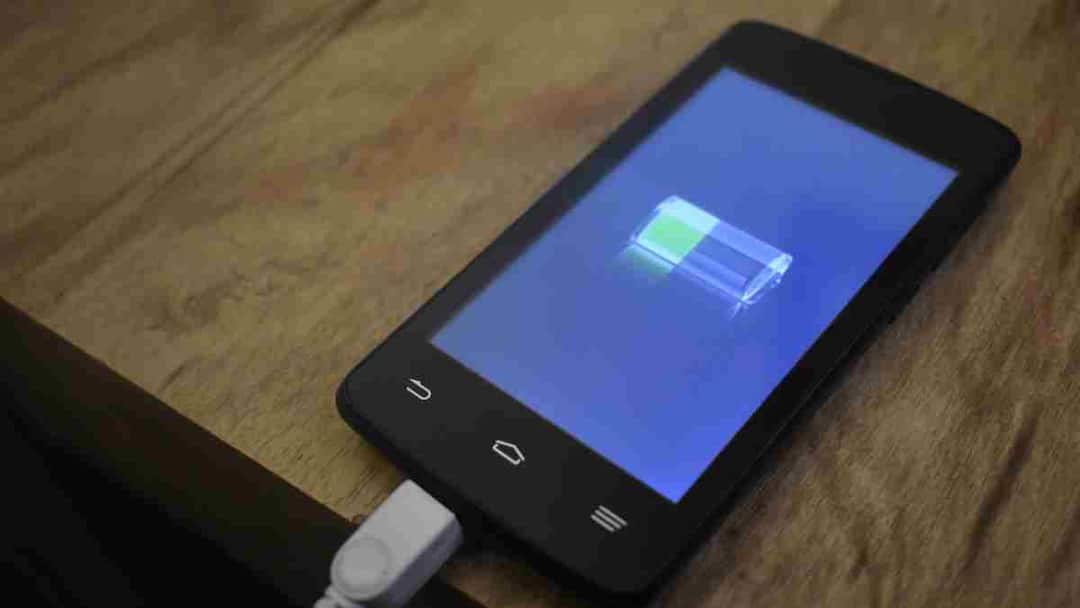
Smartphone Tips: In today’s digital era, smartphones have become an important part of our everyday life. We depend on our phones for almost everything – work, study, entertainment and communication. In such a situation, the biggest concern is about the battery. Many people charge the phone up to 100% every time without thinking, but doing so continuously can affect the health of the battery in the long run.
Keeping this problem in mind, a special feature has started being provided in many new smartphones which is called charging limit. With the help of this setting, the pressure on the battery can be reduced and the phone’s battery remains in better condition for a long time.
What is the charging limit?
Charging limit is a feature that decides to what maximum percentage your phone will be charged. When you activate this option, the phone automatically stops charging once the battery reaches the specified level.
Suppose you have set the charging limit at 80%. In such a situation, as soon as the battery reaches 80 percent, the phone will stop charging further. This does not put extra pressure on the battery and helps in increasing its lifespan.
How to set charging limit in Android phone
If you use Android smartphone then you can easily activate this feature. For this, first of all go to the Settings of your phone. There open the section related to Battery or Battery Health. After this, in the battery settings you may see an option like Charging Limit or Protect Battery. Turn on this feature and set the maximum limit for charging. Generally keeping the limit of 80% or 85% is considered better for the battery.
How to turn on charging limit in iPhone
If you are an iPhone user, then first open the Settings of the phone. After this tap on Battery option and then go to Battery Health & Charging section. Here you will find options related to battery protection with the help of which charging can be limited. Activating this setting helps maintain long battery life.
How to protect your phone from overheating
Many times the phone starts overheating which can affect both its speed and battery. This often happens when multiple apps are running simultaneously. Therefore, it is better to close the apps which you are not using. Heavy work like playing games or streaming videos while charging can also cause the phone to heat up. At such times, removing the phone cover can also be helpful so that the device can cool down quickly.
Apart from this, avoid keeping the phone in direct sunlight and turn off screen brightness, GPS, Bluetooth and mobile data when not needed. Updating software from time to time and restarting the phone also helps in maintaining the health of the battery.
Also read:
It is not love on dating app, it can also be a trap! Know these important tips to avoid scammers

