

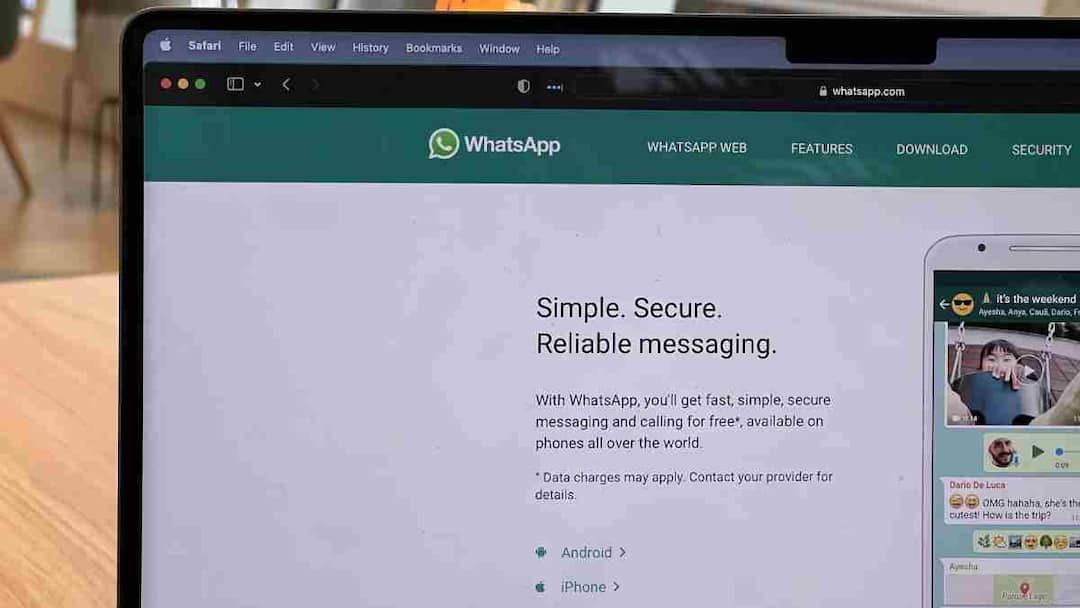
Whatsapp Web: If in recent times your WhatsApp Web is automatically logging out every few hours, then it cannot be just a technical glitch. Many users are having such experience and a new rule is being said to be responsible for this. A new system has been implemented in India from March 1, 2026, under which it is now necessary for the WhatsApp account to be continuously linked to the physical SIM present in your phone.
What is the rule of SIM binding?
Generally WhatsApp’s system works on one time verification model. You enter your mobile number, verify with OTP and then use the app on different devices. Even after removing the SIM, the web or desktop version continued to run.
But now under the rules implemented by the Department of Telecommunications, the account can check from time to time whether the registered SIM is present in your main phone or not. If the SIM is found to be removed, replaced or disabled, the account may temporarily stop working. It is being told that this investigation can be done at an interval of a few hours.
Why did the government take this decision?
The government says that this step has been taken to stop cyber crime and fraudulent activities. According to officials, many fraudsters used to create an account once with an Indian number and later operate it from somewhere else, which made it difficult to identify them.
Through SIM binding, it will be easier to link every active account to a KYC-verified SIM, which will improve tracking and accountability. In view of the increasing cyber fraud cases in recent years, this is being said to be a security related step.
What changed after March 1?
The biggest change is that now the presence of SIM can be checked regularly. This may especially affect WhatsApp Web and desktop users. If the SIM is not in the phone, the web session may auto-logout and an active SIM in the phone will be required to login again. Also, more strictness can be seen on features like linked device and companion mode, especially in those devices which do not have a SIM card.
How to avoid logout trouble?
First of all, make sure that your WhatsApp is registered with the same number whose SIM is installed in your main phone. If you have recently changed the number then re-check the account details. Keep the app updated and if you use the web version more for work, keep the phone nearby and the SIM in active state.
Also read:
This hidden feature of your phone can save your life while driving! 90% people don’t know, a big accident can be averted with one click

