

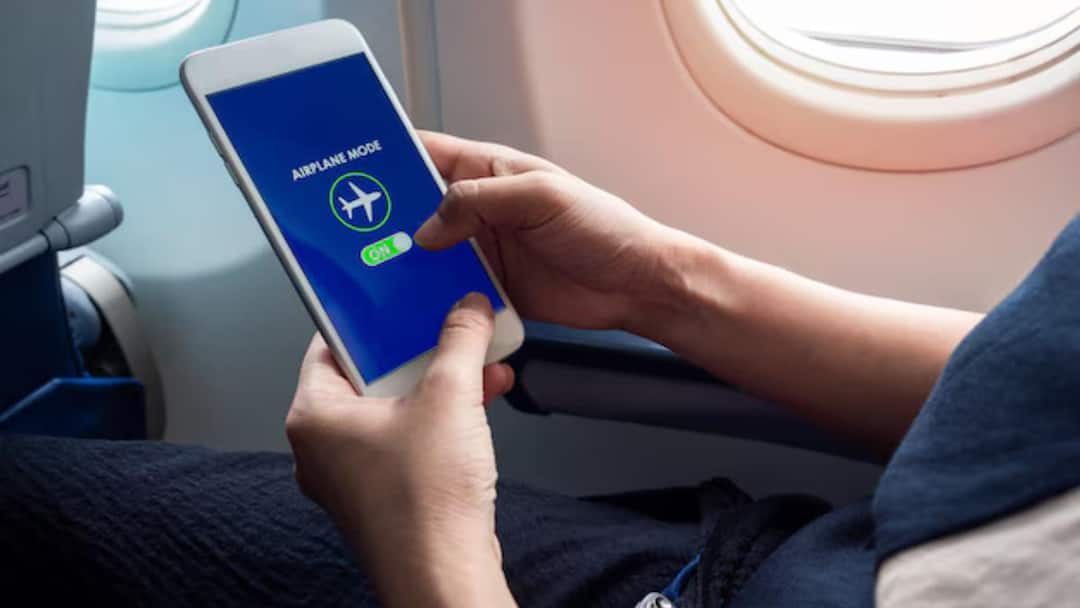
Airplane Mode: Most people associate Airplane Mode only with air travel, but in reality this feature can prove to be very useful in everyday life also. This small option present in the smartphone can improve battery, focus and even privacy. Let us know such benefits of Airplane Mode about which very few people know.
Helps battery last longer
When the phone’s network, mobile data, Wi-Fi and Bluetooth are turned off, the pressure on the battery reduces. By turning on Airplane Mode, the phone consumes less power, due to which the battery lasts longer. Especially when the charging option is not nearby.
phone charging is faster
If you turn on Airplane Mode while charging the phone, the network activity running in the background stops. The result is that the phone gets charged faster than normal and the battery gets filled more in less time.
Increases focus during studies and work
Frequent calls, messages and notifications distract attention. By turning on Airplane Mode, all kinds of interruptions are stopped, which makes it easier to maintain focus on studies, office work or any important task.
Relief from the hassle of weak network
In low network area, the phone keeps searching for signal continuously, due to which the battery drains rapidly. In such circumstances, turning on Airplane Mode is a wise step. With this, the phone does not search for signals unnecessarily and the battery also remains safe.
safe phone use for children
If you give the phone to your child to play games or watch videos, then Airplane Mode is very useful. With this, children will not make calls by mistake, some wrong content will not be opened on the internet and unwanted in-app expenses will also be avoided.
Help with privacy and data security
Many times there is a risk of data theft or tracking in public places. By turning on Airplane Mode, the phone gets disconnected from all networks, which keeps your location and data more secure.
Easy solution if phone hangs or slows down
If the phone suddenly becomes slow or there is a network related problem, then it is helpful to turn on Airplane Mode for some time and then turn it off. This refreshes the network and sometimes the problem gets resolved automatically.
Also read:
Now calls continue even if there is no network! BSNL starts Wi-Fi calling across the country, without spending a single rupee extra

