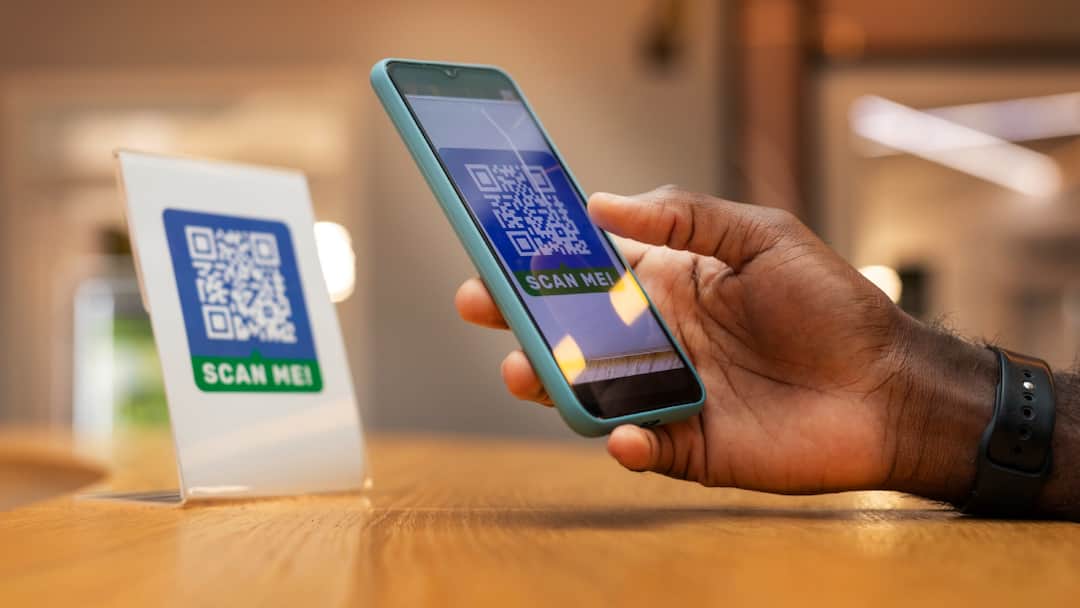
UPI Payment: If you use UPI for online payment then there is a big update for you. Now the method of UPI payment has completely changed and all users will be able to use biometric feature instead of PIN. National Payments Corporation of India (NPCI) has rolled out this feature for Android as well as iPhone users. Its advantage will be that the user will no longer need to enter the PIN while making payments up to Rs 5,000 and will be able to make payments through fingerprint or Face ID.
Now the feature is available for all users
Till now, there was only biometric payment option for Android users on limited apps including Amazon Pay and PhonePe. Now it has been rolled out for all users. Now apart from Android, iPhone users will also be able to make payments through FaceID. To use this feature, your payment app must be updated. Also, it will work only for payments up to Rs 5,000. For transactions larger than this, PIN will be required as before.
How to enable this feature?
It is very easy to activate the feature of making payments through biometric verification instead of PIN. For this, open any app you use including PhonePe, Google Pay or BHIM. After this, search by writing Biometric Payment or Pay with FaceID in the search bar. After opening it, select the bank account on which you want to use this feature. You will be asked for UPI PIN for verification. The biometric payment feature will start as soon as the verification is completed.
What will be the benefit of this change?
With the introduction of this feature, UPI payments will now become faster. Many people forget their PIN number while making payment or enter the wrong PIN number. Now the new feature will get rid of that hassle also. Now the need for PIN number is gone. If your phone has a fingerprint sensor, then you will be able to make payment through fingerprint and if your phone supports Face ID, then you will be able to make payment only by showing your face.
Read this also-
Battle for LPG cylinder booking, it became the most downloaded app, beating even ChatGPT