

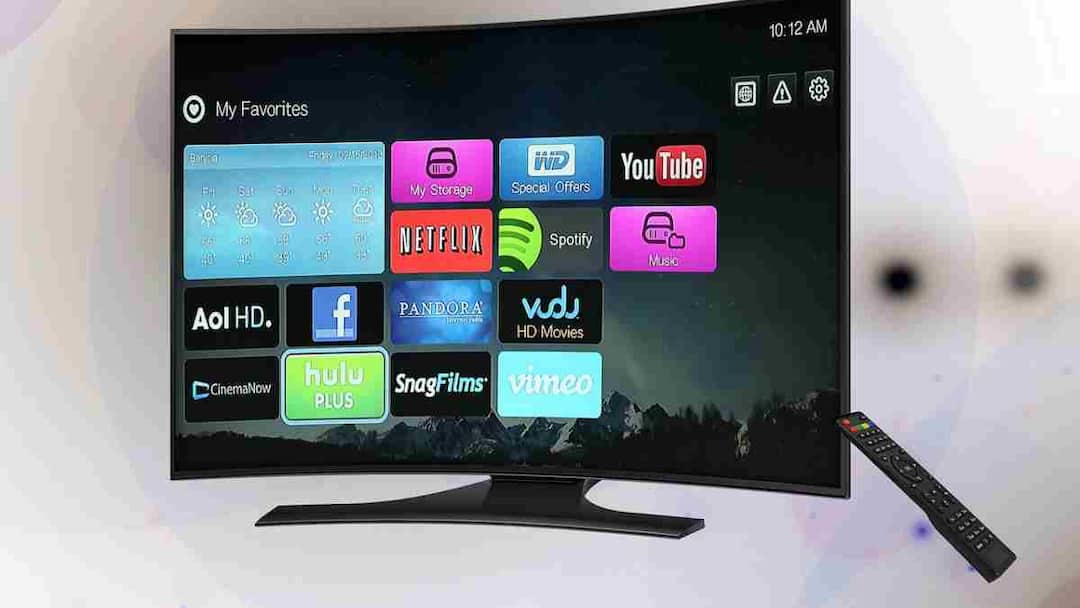
Smart TV: TV is one of the most used devices in today’s smart home. Watching OTT for hours, watching news channels or gaming, we do not even realize how much electricity the TV is consuming. The good news is that by changing some small settings you can reduce the power consumption of your TV to a great extent, without compromising the viewing experience.
Control brightness and backlight
Brightness and backlight draw the most power in a TV. These are often excessively high at factory settings. Go to the picture settings of the TV and keep the brightness and backlight at 60–70%. Adjust according to the lighting of the room. This will not only save electricity but will also reduce strain on the eyes.
Change picture mode (Standard or Eco mode)
Most people always keep the TV on Vivid or Dynamic Mode which consumes more power. If you watch TV daily, choose Standard or Eco Mode. Eco Mode automatically controls brightness and power usage, which clearly reduces electricity consumption.
Auto Power Off and Sleep Timer On
Many times we fall asleep or go out of the room while the TV is on. In such situations, Sleep Timer and Auto Power Off are very useful. Go to the settings and decide that the TV should turn itself off if there is no activity for 10-15 minutes. This prevents unnecessary wastage of electricity.
Avoid standby mode
If the TV remains plugged in even after it is turned off, it continues to consume standby power. This consumption may seem less but it impacts the monthly bill. When the TV is not in use, turn it off completely at the power switch or use a smart power strip.
Keep unnecessary features and apps closed
In Smart TV, features like Bluetooth, Wi-Fi Scan, Voice Assistant are always on, due to which electricity keeps on being consumed in the background. If you are not using them then go to settings and turn them off. This will make the TV work more efficiently.
Also read:
By sending this one message on WhatsApp, bells of trouble can ring! will come straight into the police’s sight

