

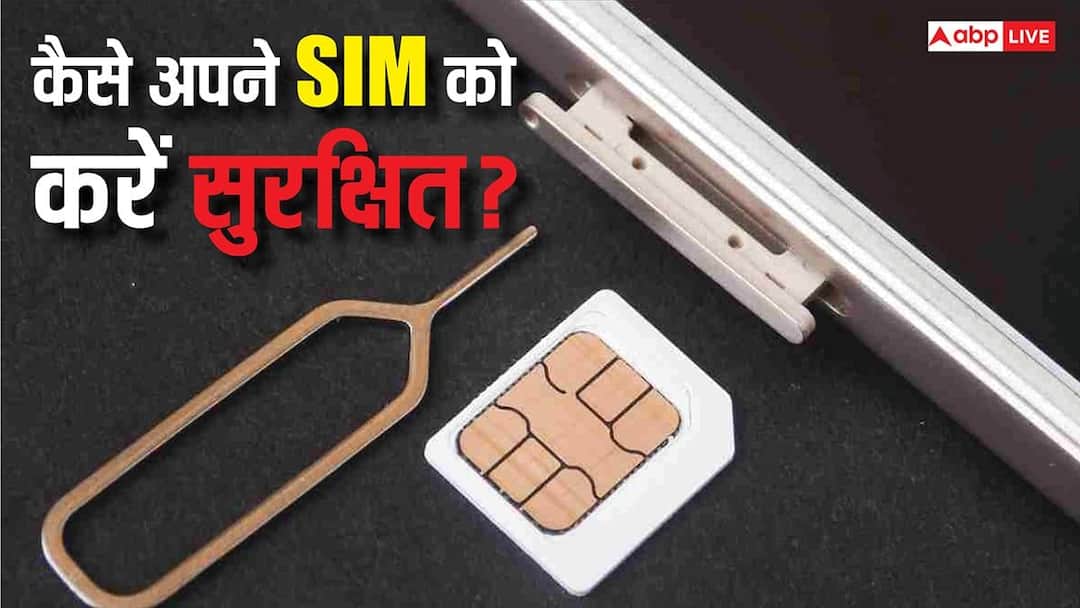
How to lock SIM Card: In today’s digital era, fraudsters are constantly devising new methods and now fraud through SIM card has become a big concern for every mobile user. If your SIM is unlocked, both your privacy and online security may be at risk. In such a situation, it has become very important to lock the SIM with PIN.
Why can unlocked SIM become a big danger?
When there is no PIN protection on the SIM card, cyber thugs can gain control of your phone. After this they can get the OTP and misuse your digital identity. UPI, bank account, email, social media, everything can be at risk. Not only this, your number can be ported without SIM lock or a duplicate SIM can also be issued.
How does SIM PIN lock increase security?
If you put a PIN lock on your SIM, then no one will be able to use your SIM without entering the correct PIN. With this, not only your number remains safe but all the accounts associated with it also become safe.
Know this before locking SIM
Before applying SIM lock, please confirm the default SIM PIN with your mobile operator. Often this is 0000 or 1234 but it may differ from network to network. If the PIN is changed without correct information and is forgotten, then you may have to go to the service center with your identity card.
Easy way to lock SIM in Android phone
Android users can make their SIM secure by following some easy steps. First of all go to the settings of the phone. Here you will get an option like Password & Security or Privacy & Security. Inside this you will see the option of SIM Lock or Lock SIM Card. Tap on it and turn on SIM lock.
Now the system will ask you to enter the PIN. Here choose a 4 digit PIN which is easy for you to remember but difficult for others to guess like date of birth or any special date.
How does SIM lock work after restart?
Restart the phone after turning on SIM lock. Your phone will ask for your SIM PIN before connecting to the network. This process will be repeated every time the phone is restarted or the SIM is inserted in another phone.
SIM will remain safe even if stolen
Once the SIM PIN is activated, even if your phone or SIM card is stolen, no one will be able to use it without the PIN. With this, your identity, money and digital accounts remain safe.
Small settings, big security
Locking the SIM card is a small step but it can save you from major cyber fraud and identity theft. Turn on this setting today and make your digital life secure.
Also read:
Google Assistant’s holiday decided? Know when Gemini will be completely replaced

