

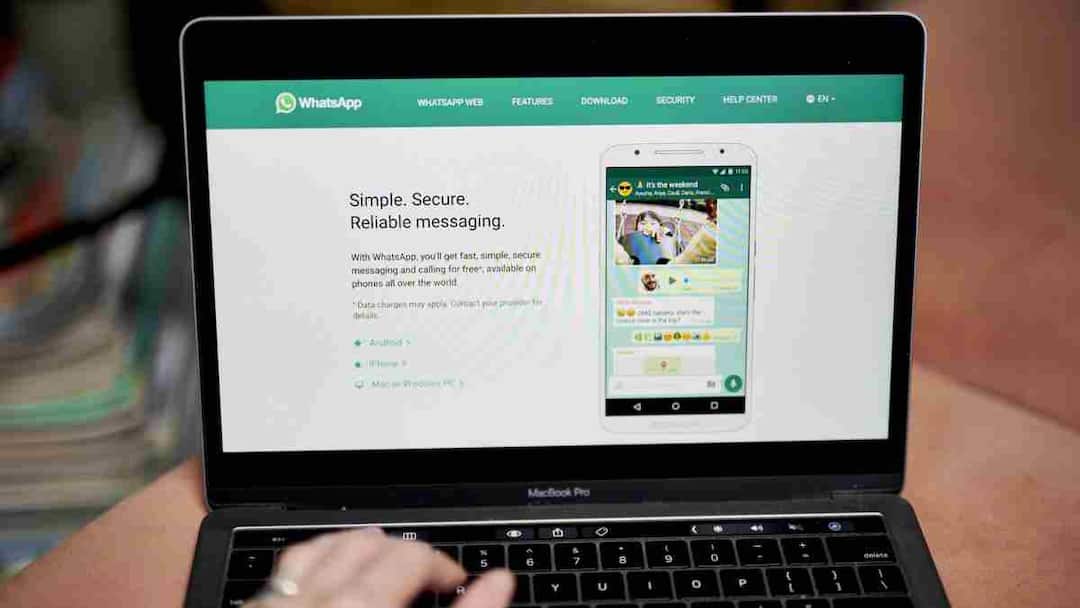
Whatsapp Web Vs Whatsapp Desktop: Nowadays chatting on laptop or PC has become common. WhatsApp gives two options for this, WhatsApp Web and WhatsApp Desktop. At first glance both seem similar but in actual use the difference is clearly visible. Let us understand in simple language what is the difference between the two and which one would be better to choose.
What is the difference between Web and Desktop?
WhatsApp runs through a web browser like Google Chrome or any other browser. You do not need to install any separate software. Whereas WhatsApp Desktop is installed on the computer as a separate application. It has to be downloaded and then logged in by scanning the QR code. This small difference changes the user experience a lot.
Who is ahead in terms of security?
Talking about security, end-to-end encryption is present in both the versions, which means your messages remain secure. But if you are using WhatsApp Web on a cyber café or public computer, then it is very important to log out as soon as you are done.
If you do not do this, your chat may fall into the hands of someone else. The desktop version is usually used on personal systems, so there is less chance of error in it.
Difference between speed and performance
Although the purpose of both is the same, there is a difference in performance. WhatsApp Desktop generally provides a more stable and faster experience. In this, calls, video calls and system notifications work better. The web version depends on the browser, so sometimes its speed may be affected if too many tabs are open.
Notification experience
The specialty of the desktop version is that you can get notifications even after the app is closed, so that you do not miss any important message. Whereas in the web version, if you close the browser window then receiving notifications will stop.
After all, which option is better?
Both the options are useful in their own way. If you want to work without much interruption and do not want notifications all the time, then the web version will be right for you. But if you want to attend calls from a laptop, want instant alert of every message and want better performance, then the desktop version is better.
Also read:
Why is there a foam cover in front of the mic? Know its functions and benefits

